Integrations
Done fits the stack you already run
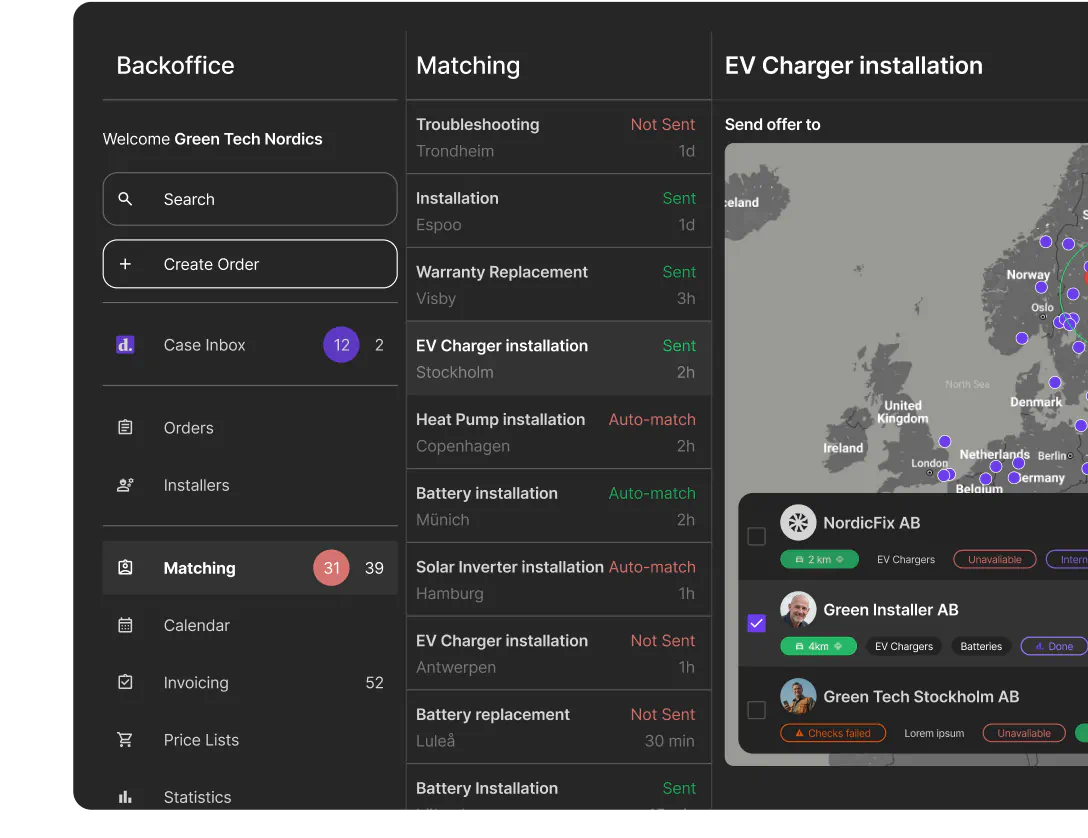
Orders flow into Done from your checkout, status flows back to your systems, invoices land in your accounting software, and your analysts query installation data next to everything else. Nobody retypes an order from one tool into another.
Systems Done connects to
E-commerce platforms, CRMs, accounting software and data warehouses.
E-commerce
Orders in at checkout, status back automatically
When a customer buys a charger, battery or heat pump with installation, the order goes straight into Done. No CSV exports, no order emails to retype. As the installation moves forward, status flows back, so your store, CRM and support team always see where it stands.
- Installation orders created at checkout
- Two-way status sync with your commerce systems
- Works with platforms such as Shopify and WooCommerce
- The same flow handles in-store and phone orders
Six ways to connect
From a no-code Zapier flow to a full checkout integration.
CRM
Create installation orders from your CRM once a sale is confirmed, and keep the customer record current with installation status.
Invoicing & accounting
Export invoices and financial records to accounting software such as Fortnox, so reconciliation happens in one place.
Data & analytics
Send installation data to BigQuery and analyze it alongside sales and marketing data in your own BI tools.
Webhooks
Lifecycle webhooks notify your systems of order events, with full order context in every payload.
Zapier
Cover the long tail without developers: connect Done events to thousands of apps through Zapier.
Partner API
For anything custom: create orders, sync status and look up prices programmatically.
How an integration project works
Each setup is configured per partner in Done Backoffice to match how you sell. Code comes in only where you want a deeper connection.
Scope it together
We map your order flow, products and systems with you, and set up your partner workspace in Backoffice to match.
Configure instead of code
Price lists, article catalogs and pre-check forms are set up in Backoffice. Changing a price or adding a product needs no developer.
Go live, then extend
Start with order sync, then add webhooks, accounting export or data feeds as volume grows. Same platform, no migration.
Frequently asked questions
Connect Done to your systems
Tell us what you sell and which systems you run, and we'll scope the integration with you.
Contact sales